Blue Light Glasses: Performance by Use Case
By Kai Nguyen • 19th Feb
Blue light glasses comparison frameworks rarely go beyond marketing claims and color swatches. What matters for computer eyewear performance is optical data: blocking percentages, wavelength ranges, tolerance in color accuracy, and real-world fit to your workflow. I've seen too many purchases fail because the specifications didn't match the actual use case (much like the time a monitor arm chewed through my drywall at 9.5 inches extension because I hadn't mapped the hinge radius before install). Show me the clearances. Show me the optical specs. Your eyes deserve the same rigor.
This article breaks down blue light glasses not by brand hype, but by measurable performance across specific work scenarios. Whether you're managing screen time eye protection for a remote job, chasing gaming glasses effectiveness, or optimizing color accuracy testing for design work, the data will guide you.
Why Specifications Trump Anecdotes
Blue light glasses exist in a foggy market. One reviewer claims 80% blocking; another tests the same brand at 25%. The gap comes from how light is measured, which wavelengths are targeted, and what "blocking" actually means under lab conditions versus everyday use.
The critical insight: not all blue light matters equally. Research indicates that blue wavelengths between 380 and 450 nanometers have the strongest impact on circadian rhythm disruption (the reason your 11 PM screen time keeps you awake).[1][3] However, wavelengths between 460 and 500 nanometers actually promote healthy alertness and mood regulation. Premium glasses recognize this nuance. Budget options often block indiscriminately, sacrificing color accuracy for raw blocking percentages that sound impressive but don't align with where the harm actually occurs. For a deeper look at circadian-safe task lighting and wavelength targets, see our science-backed circadian lighting guide.
Standard blue light glasses block between 10-25% of total blue light exposure[7], while amber- or red-tinted premium options reach up to 80%[7]. But here's the tension: the more aggressively you block, the more you distort color rendering. For someone color-matching a design at 3 PM, this trade-off is critical. For someone scrolling before bed, it barely registers.
Show me the wavelength range, the blocking percentage, and the color rendering tolerances. Your use case determines which trade-off you should accept.
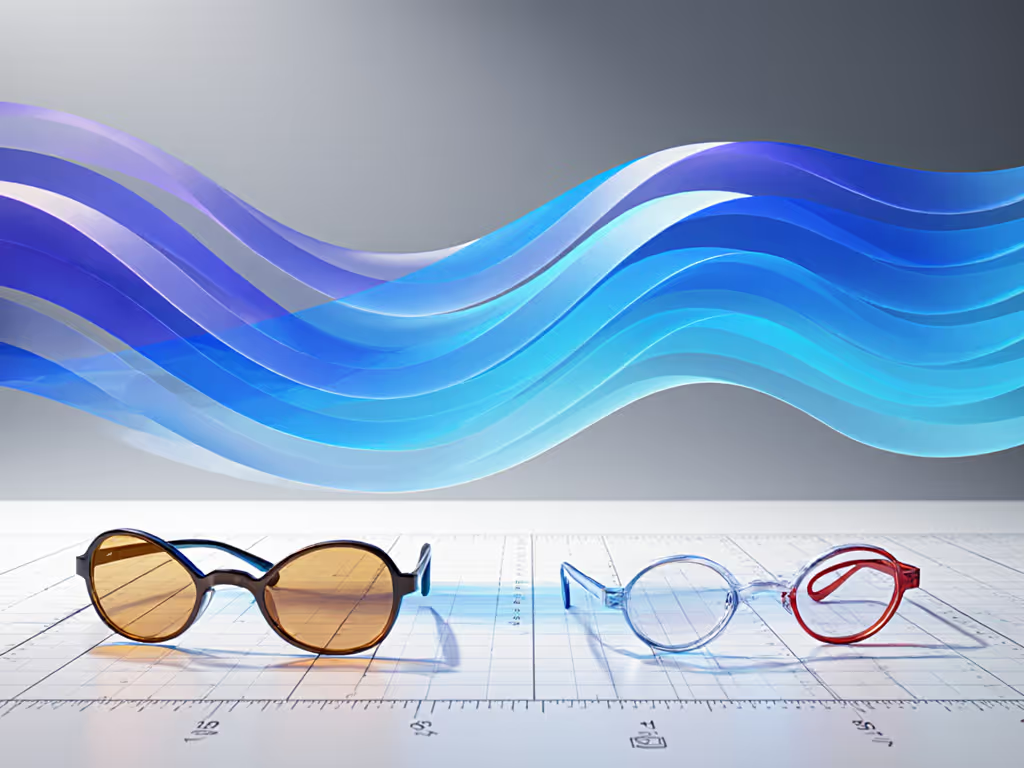
Comparative Framework: Metrics That Drive Your Choice
When evaluating blue light glasses, measure along these axes:
Blocking Efficiency (by Wavelength)
- Clear lenses typically target 400-450 nm range (critical for sleep disruption), blocking 15-35% in that band.[1]
- Amber-tinted lenses block approximately 50% of the blue spike found in screen light, extending into lower-disruption ranges.[2]
- Red-tinted night glasses achieve near-100% blocking of 380-550 nm, plus green wavelengths up to 550 nm.[4]
Color Accuracy Under Fluorescent/LED Light Lens tint distorts color perception in predictable ways. The more aggressive the tint, the greater the shift. Lab-tested models show that Ocushield delivers strong blue blocking with minimal color shifts under screen light[2], while Gunnar Amber provides maximum protection with noticeable color distortion[2] (acceptable for gaming, problematic for color work).
Fit and Comfort During Extended Wear Weight and frame geometry matter. Heavier plastic frames (common in budget segments) distribute stress unevenly, causing nose pad fatigue after 4+ hours.[1] Premium acetate and titanium frames reduce this risk.[1]
Lens Clarity at Delivery Some glasses ship with protective stickers that are difficult to remove, adding friction to the first-use experience.[1]
Blue Light Glasses by Use Case: Where the Data Points
Office and Knowledge Work (9-5 Remote/Hybrid)
Your Priority: Color accuracy + moderate blue blocking + all-day comfort.
You're on video calls, reviewing documents, and color doesn't matter as much as clarity and eye comfort. To upgrade your on-camera presence and clarity, explore our video call desk essentials. You need blocking sufficient to reduce afternoon strain without making your monitor look like it's running warm filters.
Best Fit: Clear or nearly colorless lenses targeting the 400-450 nm band.[1] The Benicci Stylish model exemplifies this profile (nearly colorless lenses minimize color distortion while blocking harmful wavelengths), with lightweight construction that testers report becomes "invisible" after an hour.[1] An included blue light test tool provides verification, though lens stickers require care during initial setup.[1] Felix Gray Jemison offers premium materials and anti-reflective coatings optimized for video calls, with the trade-off of higher cost and less frame adjustability.[1]
Data Point: Office environments reward models with minimal tinting because you're transitioning between work and life without removing glasses; a noticeable color cast creates cognitive friction.[1]
Design, Photography, and Color-Critical Work
Your Priority: Minimal color distortion > maximum blue blocking.
You can't afford color rendering errors. Pair your eyewear with high-CRI task lighting from our desk lamp comparison to preserve accurate color perception. A 10° hue shift in amber-tinted lenses will skew your entire color workflow and create rework cycles.
Best Fit: Clear or ultra-light amber lenses with sub-20% blocking in the visible spectrum.[2] According to lab testing using TM-30 color rendering standards, Ocushield delivers the strongest color fidelity among clear-lens options when viewed under typical screen light, even if it allows slightly more blue through.[2] The trade-off is lower blocking, but you're prioritizing accuracy, not maximum protection.
Data Point: Color-work professionals should measure blocking percentages at specific wavelengths (400 nm, 420 nm, 450 nm) rather than overall "blue light" claims, which blur across irrelevant ranges.[2]
Gaming and Extended Screen Sessions (6+ Hours)
Your Priority: Maximum blue blocking + acceptable color distortion + visual immersion.
You're not color-matching; you're protecting against eye fatigue and maintaining alertness. The amber or orange tint is a feature, not a bug.
Best Fit: Amber-tinted glasses blocking 50% or more of the blue spike.[2] Gunnar Amber lenses were identified as the best-in-class tinted option in lab testing, blocking around 50% of the blue spike found in screens (about the threshold before entering "nighttime" blue blocker territory where distortion becomes severe).[2] The wide lens design ensures full visual field coverage for immersive gameplay and multi-monitor setups.[1] Trade-off: noticeable color distortion and potential nose pad discomfort during marathon sessions.[1]
Data Point: For eye strain reduction metrics, lab testing shows that blocking in the 400-450 nm range reduces fatigue markers more than broader-spectrum blocking; Gunnar's focused amber approach aligns with this research.[2]
Pre-Sleep Evening Use (Final Hour Before Bed)
Your Priority: Near-total blue and green blocking + minimal concern for color rendering.
You're reading, watching, or browsing (not working). Color distortion is irrelevant because you're seconds from sleep. For a full nighttime desk setup that supports sleep, see our after-dark workspace guide.
Best Fit: Red-tinted night glasses blocking 100% of blue light and green wavelengths up to 550 nm.[4] TrueDark Twilights Classic exemplify this category: very dark red lenses designed for the final hour before sleep, with a wraparound design minimizing side light leakage.[4] The premium price reflects specialized optics and frame geometry optimized for nighttime use.[4]
Data Point: Research indicates that wearing blue light blocking glasses in the evening successfully prevents bright light from interfering with melatonin production; people who wore them reported better sleep quality and no drops in melatonin typically associated with evening screen exposure.[3]
Budget-Conscious Multi-Purpose Use
Your Priority: Affordable entry point + functional blocking + style variety.
You want to test blue light glasses without committing premium budget. You're willing to accept heavier weight and noticeable orange tint if the blocking works.
Best Fit: Tijn Blue Light Blocking Glasses deliver exceptional value with effective blue light reduction, a wide color range for personal style matching, and durable plastic frames.[1] The trade-off is noticeable orange tint (which distorts colors) and slightly heavier weight than premium models, though comfortable nose pads distribute stress.[1] No prescription option available.[1]
Data Point: Standard blue light glasses in this segment block 10-25% of total blue light[7], which is sufficient for afternoon strain reduction but insufficient for evening circadian protection.[1]
Prescription and Custom Needs
Your Priority: Integrated prescription + blue light blocking + custom fitting.
You need vision correction and don't want to layer glasses or use inserts (which add bulk and optical distortion).
Best Fit: Warby Parker Beauford Glasses offer custom prescription options and virtual try-on technology, high-quality materials, and durable construction.[1] Disadvantages: highest price among top picks, longer production time, and limited blue light blocking without tint.[1] Jonas Paul Eyewear provides a lower-cost prescription alternative, blocking roughly 56% of the critical 380-450 nm range while allowing beneficial 460-500 nm light through.[3]
Data Point: Prescription users face fewer options, making prescription-integrated models especially valuable despite premium pricing.[1]
Lens Tint Level and Tolerance Ranges
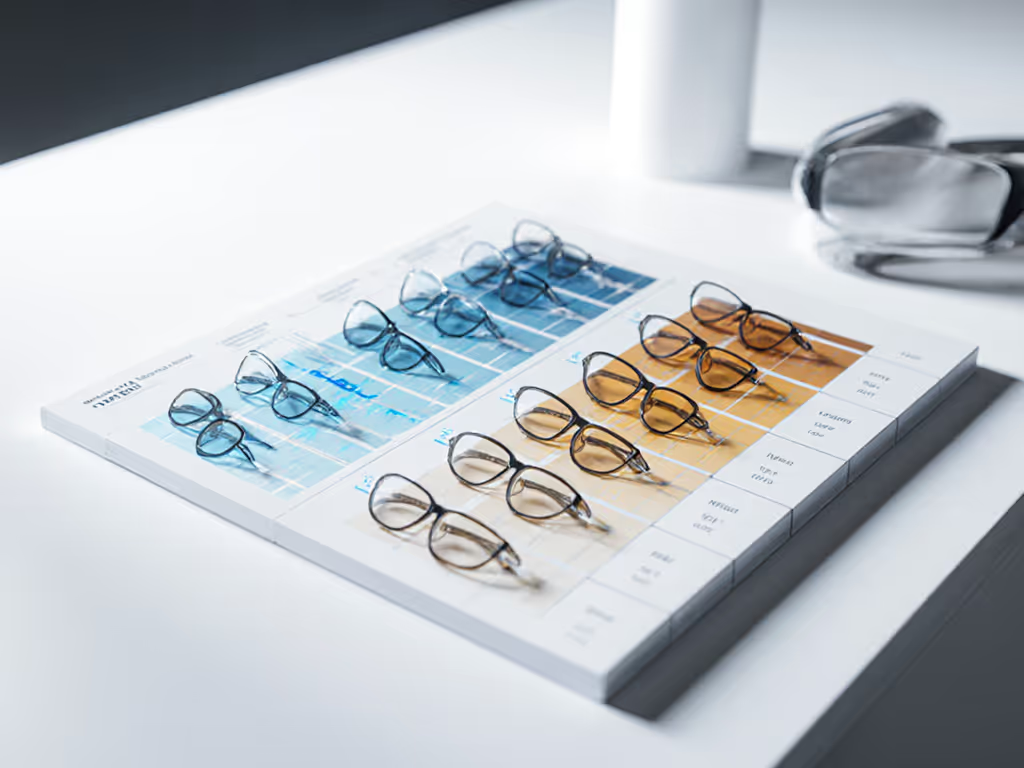
Blocking percentages exist on a spectrum tied directly to tint visibility. Here's the tolerance map:
| Lens Type | Tint Visibility | Blocking Range | Best For | Color Distortion |
|---|---|---|---|---|
| Clear/Nearly Colorless | Minimal | 10-35% | Office, design, video calls | Negligible |
| Light Yellow/Amber | Slight | 20-40% | Daytime remote work | Minor (acceptable for most) |
| Medium Amber | Moderate | 40-60% | Gaming, afternoon/evening | Noticeable (colors shift 5-15°) |
| Dark Amber/Orange | Strong | 50-80% | Late evening, high-strain work | Significant (colors shift 15-25°) |
| Red/Deep Red | Very Strong | 80-100% (+ green to 550 nm) | Final hour before sleep | Severe (acceptable because you're offline) |
No product blocks blue light without tint; the two are mechanically linked. Claims of "100% blocking with crystal-clear lenses" are marketing fiction.[3]
The Tension: Blocking vs. Color Fidelity
This is where specs override anecdotes. If light sensitivity is a factor, our migraine-friendly desk setup guide covers lighting, screen placement, and accessory tweaks to reduce triggers. Horus X provides the best blue blocking among clear-lens options tested, but also has the worst color rendering of that category.[2] You cannot maximize both. The choice is yours, and it depends entirely on your workflow.
If you're working under artificial light for 8 hours and need color accuracy, accept lower blocking (15-25%).[1] If you're gaming for 6 hours and don't care if the screen has a 20° hue shift, go for 50%+ blocking.[2] If you're pre-sleep reading for 30 minutes, embrace 100% blocking and deep red tint.[4]
The mistake most buyers make: they select based on blocking percentage alone, ignoring whether that blocking matters for their specific use case and time of day.[7]
Final Verdict: How to Choose
Rejecting brand loyalty and marketing claims, here's the dimensional and spectral logic:
Start by mapping your use case: When do you use the glasses? What's the duration? Does color matter? Are you pre-sleep, mid-day, or gaming?
Define your blocking target: Do you need 400-450 nm protection (sleep/evening focus)? Or broader 380-500 nm coverage (all-day strain)? Or 460-500 nm avoidance (because you want alertness)? The wavelength range is the fundamental spec, not the total percentage.[1][2][3]
Measure the color accuracy trade-off: If color fidelity is non-negotiable (design, photography, video work), cap your tint at light amber (35-40% blocking) and accept longer-term strain reduction.[2] If color is irrelevant (gaming, casual browsing), choose amber or red (50%-100% blocking) and prioritize eye comfort.[1]
Fit and comfort as load-bearing specs: Measure frame weight, nose pad design, and adjustability for your face shape. Lightweight metal or premium acetate frames (typically 25-35 grams) outperform budget plastic (40-50 grams) during all-day wear.[1]
Check for verification tools: Best-in-class options include blue light test tools (Benicci)[1] or lab-tested color rendering data (Ocushield, Horus X, Gunnar under specific light conditions).[2] If a brand won't show you spectral blocking charts or color accuracy measurements, they're selling confidence, not specs.
Plan for multiple pairs if you use case-shift: One pair for office/daytime (clear, 20-30% blocking), one for gaming/evening (amber, 50-60%), one for pre-sleep (red, 100%). Total cost: $150-400 for the full spectrum, cheaper than a single premium option and perfectly matched to your workflow.
The data is available. The choice is now yours, not the algorithm's, not the reviewer's, but yours, grounded in the specific geometry of your work and the tolerances you're willing to accept. Fit first; refunds last.
Related Articles