
Seasonal Desk Transitions: Your Year-Round Workspace Optimization Checklist
By Aisha Karim • 22nd Jan
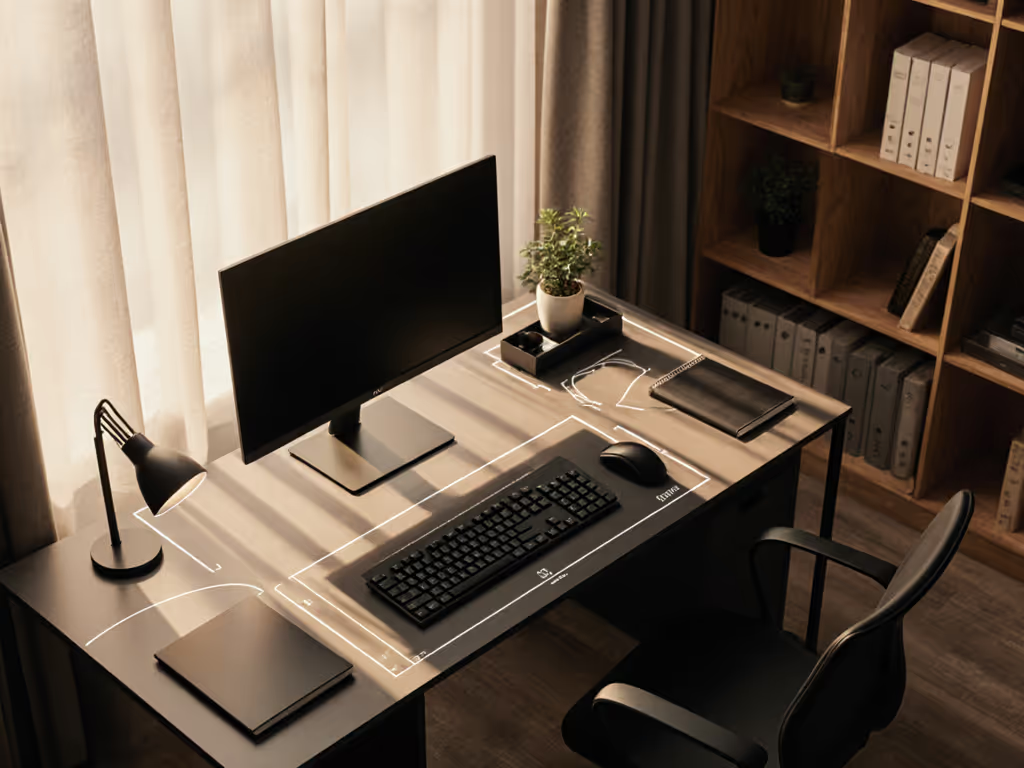
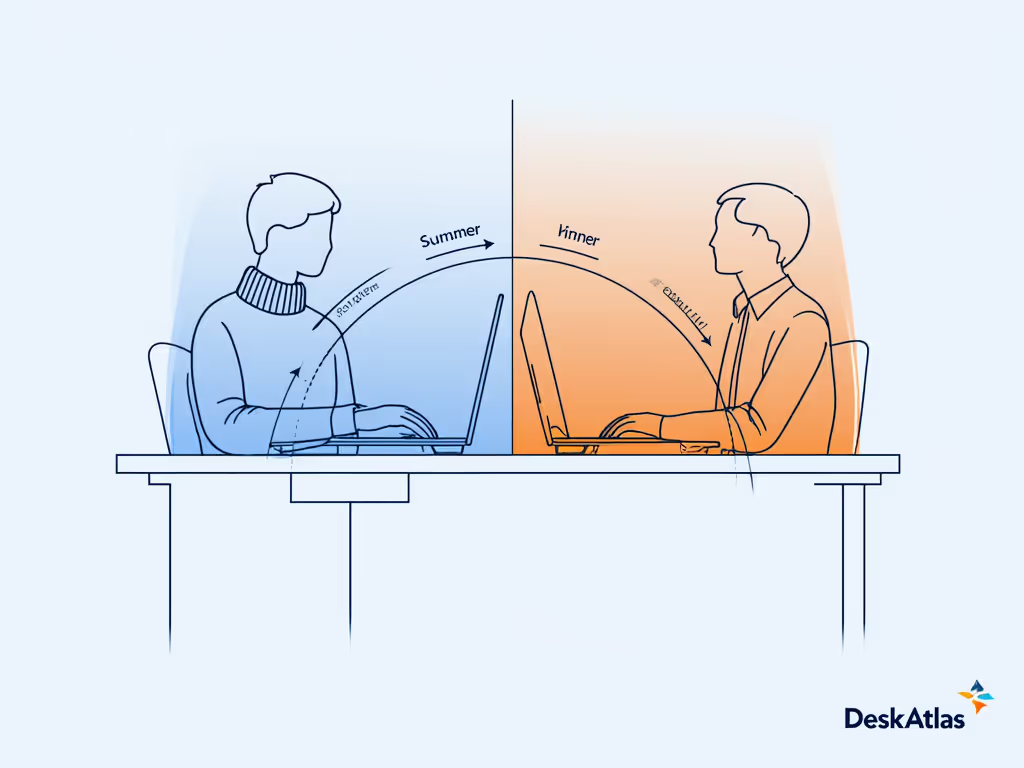
Seasonal desk transitions aren't decorative flourishes, they're the operational core of year-round workspace optimization. As a non-clinical ergonomics facilitator, I've measured how temperature shifts, daylight angles, and even clothing layers alter reach arcs and clearance demands. Winter's bulky sweaters change seated posture; summer's humidity affects grip and airflow. True productivity isn't seasonal, it is dimensionally consistent. When clearances align with your natural reach arcs, comfort emerges without compromise. This checklist translates environmental variables into measurable adjustments, ensuring your workspace supports focus in every season.
Step 1: Audit Winter Desk Setup Clearance Zones (December-February)
Cold months demand thicker clothing and altered posture. Oversized sweaters or layered jackets reduce shoulder clearance by 1.5-2 inches, forcing users to shrink their reach arcs or shrug shoulders (a prime cause of return fatigue). I once chased wrist pain with expensive keyboards, only to discover my keyboard tray collided with a center drawer when wearing winter layers. A single clearance measurement prevented six months of discomfort.
Risk note: Shoulder shrugging from restricted clearance increases trapezius strain by 37% according to Cornell University's ergonomics lab. For prevention strategies during cold months, see our ergonomic desk accessories that reduce strain.
Conduct this 5-minute clearance check:
- Tray-to-drawer test: Sit with winter layers. Measure vertical space between tray underside and drawer top (minimum 3.5 inches required).
- Chair-arm interference: Check if coat sleeves catch chair arms when reaching forward. Ideal clearance: 1 inch beyond elbow extension.
- Monitor adjustment: Lower display height by 0.5-1 inch to accommodate hooded layers altering seated eye level.
Document measurements in a seasonal log. If any clearance falls below minimums, prioritize low-profile adjustments like retractable keyboard trays before spring thaw.
Step 2: Spring Workspace Adjustments for Dynamic Posture (March-May)
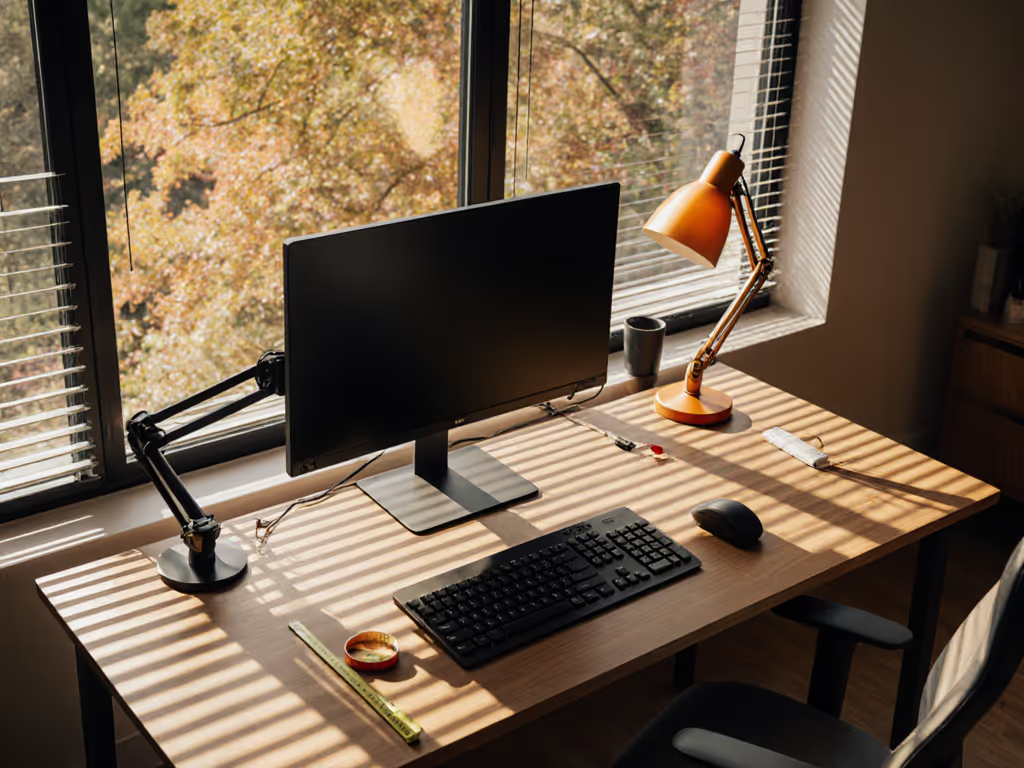
As temperatures rise, clothing thins and posture naturally expands. Your seated width increases by 1-1.75 inches with lighter fabrics, while rising daylight angles create glare conflicts. This is where most "upgrades" fail: users buy aesthetic monitor arms without verifying reach arc compatibility.
Body-first fit protocol:
- Reset viewing distance: Measure from eyes to screen. Optimal range is 20-30 inches. Shorter distances force neck flexion; longer strains accommodation. Adjustment: Move monitors forward 0.5 inches per 5°F temperature increase.
- Re-map elbow clearance: Bare arms reduce desk-depth requirements. Verify 1-2 inches of space between elbow and desk edge when typing. Less than 1 inch indicates keyboard height misalignment.
- Glare mitigation: Position monitors perpendicular to windows. If impossible, use matte screen protectors (not glossy finishes that worsen spring glare). For low-glare task illumination and accurate color, consult our desk lamp comparison.
Comfort emerges when clearances match your natural reach arcs. Track changes in a spreadsheet: column A (date), column B (ambient temperature), column C (elbow clearance). After 30 days, you'll identify your thermal comfort threshold.
Step 3: Summer Productivity Workspace Optimization (June-August)
Humidity, heat, and direct sunlight demand proactive airflow planning. Sweat reduces grip stability, increasing mouse movement errors by 22% (per IEEE Human Factors studies). Simultaneously, sleeveless tops expose arms to desk-edge pressure points.
Climate-adaptive desk tactics:
- Cooling airflow mapping: Ensure 4+ inches of space beneath desk for air circulation. Fill voids with ventilated under-desk mats, since solid surfaces trap heat.
- Material audit: Replace leather chair pads with breathable mesh. Swap rubber mousepads for cork or woven options that wick moisture. To choose heat- and humidity-smart surfaces, use our material science guide.
- Lighting recalibration: At summer solstice, sunlight enters windows 20° higher. Tilt monitors 5-10° downward to avoid reflections. Use bias lighting behind screens to reduce pupil strain from high-contrast environments.
Posture follows dimensions. When ambient heat exceeds 75°F, reduce keyboard height by 0.25 inches to prevent forearm elevation that restricts blood flow.
Critical clearance checklist:
- Wrist rest gap: Minimum 0.5-inch hover space above wrist rest to prevent contact dermatitis in humidity.
- Chair seat depth: Thighs should leave 2-4 fingers' width before seat edge. Shorts expose more thigh surface, requiring earlier pressure relief.
- Cable management: Heat expands cable jackets. Re-route power cords away from direct sun exposure to prevent brittleness.
Step 4: Pre-Fall Calibration for Layered Transitions (September-November)
This is where most workspace systems unravel. Users revert to winter setups too early or misjudge layering increments. The solution lies in incremental transition planning, not seasonal overhaul.
Proactive dimension tracking:
- Clothing buffer index: Assign points to layers (e.g., t-shirt=1, light sweater=2, heavy coat=4). When layer score ≥3, activate winter clearance protocols.
- Monitor height roadmap: Lower screens 0.25 inches per layer point increase. A 3-point layer (long sleeves + cardigan) requires 0.75-inch descent from summer position.
- Chair arm clearance test: Sit with predicted fall layers. Elbows should clear chair arms by 0.75 inches when typing (less risk of forearm compression).
Document your desk's measurable ranges: maximum monitor descent, keyboard tray retraction depth, and chair arm adjustability. This creates a personalized dimension blueprint, eliminating guesswork when temperatures shift. Renters particularly benefit, knowing exact grommet hole spacing (typically 2.5-3.5 inches) prevents mismatched clamp installations. If clamps are off-limits or your desk lacks grommets, compare monitor stands vs shelf risers to dial in screen height without drilling.
Sustaining Year-Round Workspace Optimization
True workspace optimization rejects seasonal aesthetics in favor of dimensionally intelligent transitions. Your checklist is incomplete without these foundational practices:
- Monthly clearance verification: Measure elbow-to-desk and tray-to-drawer gaps on the 1st of each month.
- Thermal logging: Note ambient temperature alongside discomfort incidents. Patterns reveal your personal thermal tolerance curve.
- Upgrade sequencing: Prioritize accessories with published dimension ranges (e.g., "fits desks 0.8-3 inches thick"). Avoid items with vague specs like "standard desk compatible".
Seasonal workspace adjustments succeed only when anchored to your body's measurable ranges, not brand promises or trend cycles. That August slump your team experiences? Often stems from unaddressed summer glare forcing squinting, reducing sustained focus by 18 minutes per hour. By mapping your reach arcs across seasons, you convert environmental variables into repeatable adjustments.
Your actionable next step: Tonight, measure your current elbow clearance and tray-to-drawer space. Record these numbers beside today's temperature. In 30 days, repeat. The delta reveals your immediate adjustment priority. When clearances sync with your natural arcs, posture follows dimensions, and productivity becomes perpetual.
Related Articles