
Desk Clock Comparison: Focus vs. Precision
By Kai Nguyen • 19th Mar
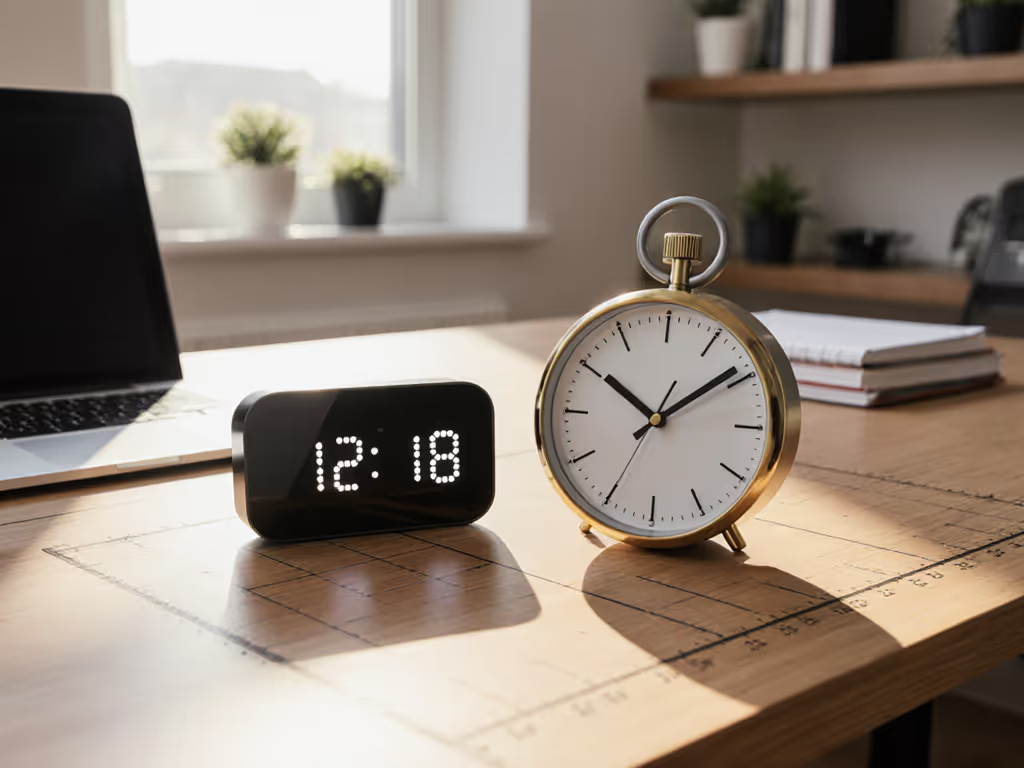
Desk clock comparison means choosing between two competing philosophies: clocks that enable behavioral focus and clocks that deliver split-second precision. For remote workers and students, this choice shapes both workflow and workspace geometry.
The Problem: Clock Choice Isn't About Telling Time
Most productivity-focused professionals assume a desk clock is just a clock. Pick one with a pleasing face, mount it, and move on. But workspace design is collision mapping, and clocks occupy real estate, demand mounting surfaces, and influence how you perceive work intervals. The tension isn't between accuracy and looks; it's between behavioral cuing and interval precision.
A focus-oriented clock (like Focus Dock's Pomodoro interface or analog designs optimized for studying) trains your brain to work in bounded blocks. It's visual reinforcement for the Pomodoro technique and similar structured productivity methods. Dimensions matter less than visibility and placement within line of sight.
A precision clock, whether a mechanical chronometer or a digital display with sub-minute accuracy, serves workflow that demands exact timing: session analytics, call scheduling, or competitive gaming intervals. These clocks often prioritize readability over behavioral cuing.
The Agitation: Why the Wrong Choice Drains Your Workspace
I learned this the hard way. A monitor arm once chewed my drywall because the elbow hit the wall at 9.5 inches of extension (I hadn't mapped the hinge radius against my wall depth). If screen height and storage are also in play, compare monitor stands vs shelf risers to avoid similar fit surprises. Since then, I measure hinge radii, desk depths, and clearance zones before buying anything. The same principle applies to clocks.
Physical Fit Collisions
Focus-oriented clocks (especially always-on display types like Focus Dock, which runs on your Android device and measures roughly 99-81 mm in hardware form factors) demand a clear sightline. If mounted on a monitor arm or desk shelf, they occupy precious desk real estate. A physical Pomodoro timer with a dual-display face (99 × 81 × 32 mm depth) seems compact until you account for the swing radius of an adjustable base or magnetic mount. That 32 mm depth can collide with your keyboard tray or monitor arm if your desk depth is under 24 inches.
Precision clocks, especially wall-mounted models, clear desk space but demand a mounting location with unobstructed wall access. For renters or temporary setups, this introduces adhesive or nail damage risk.
Behavioral Mismatch
A precision clock trains you to watch the clock, a focus killer. Frequent glances at exact seconds fragment attention, especially during deep work. Conversely, a focus clock should blend into your environment, offering a peripheral cue about work-block progress without demanding attention. For the science behind environmental cues and deep work, see workspace psychology. Focus Dock's customizable analog and minimal clock faces are designed this way.
Yet precision clocks serve technical work where exact intervals matter: video call start times, client handoff windows, or performance testing sprints. Using a focus-only clock for this work introduces scheduling friction.
Load and Mounting Geometry
Many desk productivity clocks ship with limited mounting options. Focus Dock runs on your existing Android device (no extra weight), while physical Pomodoro timers include magnetic bases for metal surfaces. If your desk lacks a metal surface and you're using an adhesive mount, you're risking surface damage, especially on rented furniture with veneer finishes.
Show me the clearances. For a step-by-step way to plan tight desks, see our compact workspace grid guide. Most professionals don't map out their mounting footprint until something doesn't fit, then face the cost and frustration of returns.
The Solution: A Dimension-Driven Framework
Choose based on three concrete variables: desk geometry, workflow timing demands, and collision risk.
1. Assess Your Desk Depth and Sightline
Measure your desk depth from the back edge to the monitor base. If it's under 20 inches, a physical desk clock will consume disproportionate real estate. A phone-based app (Focus Dock) on a phone stand (positioned 12-15 inches back) works better. If your desk is 24+ inches, you have flexibility for a compact physical timer.
Measure the angle from your seat to where a clock would sit. Ideal focus-clock visibility is 15-30 degrees off-center, in your peripheral vision. A clock directly above your monitor creates cognitive load; one to the side or lower (like a Pomodoro timer on the desk edge) reduces distraction.
2. Define Your Timing Granularity
If your work requires exact interval tracking (call start times, session logging, competitive contexts), precision matters. Focus Dock delivers session analytics and detailed progress charts with daily, weekly, and monthly breakdowns. A basic wall clock doesn't.
If your work relies on behavioral structure (study blocks, deep work sprints, break adherence), focus-oriented visual cuing trumps precision. The Pomodoro method, for instance, doesn't require sub-minute accuracy, it requires consistent 25/5 cycling and audio/visual cues at transitions.
3. Map Your Mounting Footprint
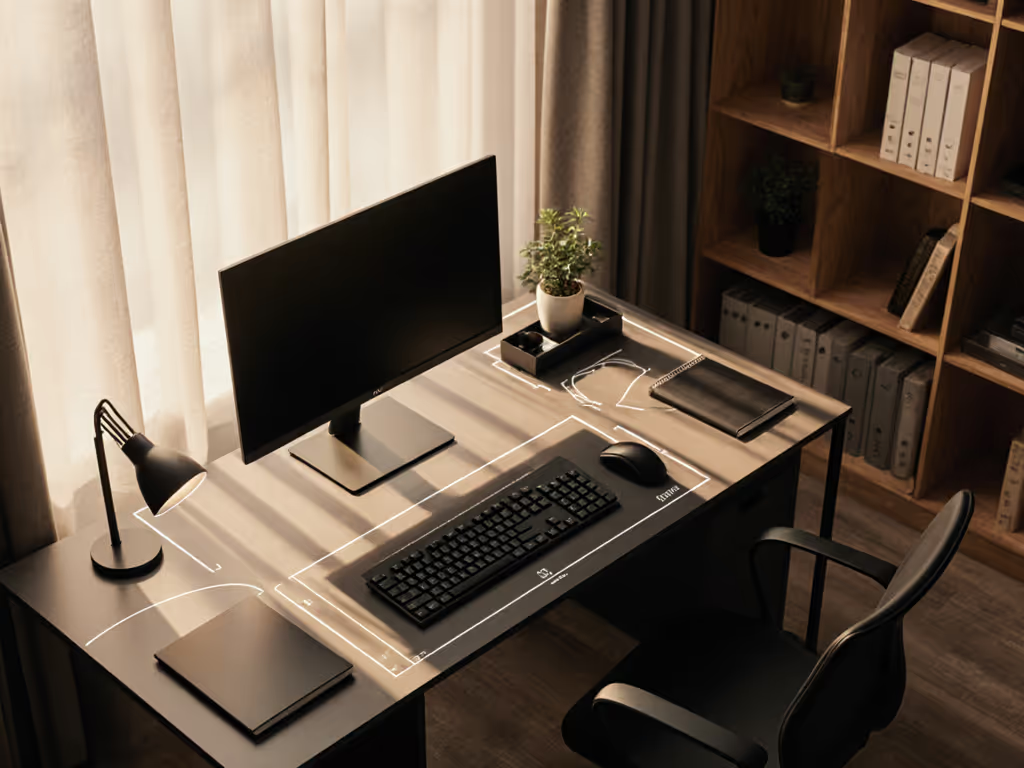
Before buying, sketch your desk from above. Mark your monitor(s), keyboard, mouse pad, notepad, and cable zones. Overlay your clock placement and its swing/reach radius. For a magnetic Pomodoro timer (32 mm deep), ensure the metal surface it attaches to doesn't interfere with reaching your keyboard or adjusting your monitor arm.
For wall-mounted clocks, measure the wall studs, outlet positions, and cable routing behind your desk. A mounted clock can't move; a desk-top clock can shift if workflow changes.
4. Test Load and Stability
If using a phone stand or app like Focus Dock, weigh your device and stand footprint. On a narrow desk, 200-300 g of weight at the edge can tip. A heavy Pomodoro timer with a magnetic base removes this risk but consumes desk real estate.
Real-World Application: Two Workspace Profiles
Profile A: Remote Student, 22-Inch Desk, Rented Apartment
Challenge: Limited desk depth; no wall drilling allowed; need for strong behavioral cuing to combat procrastination.
Solution: Focus Dock on a 4-5-inch phone stand (total footprint ~3 × 3 inches), positioned to the right of the monitor at eye-height minus 10 degrees. This provides peripheral time awareness without demanding attention. The app's custom timer modes (15/45, 50/10, or standard 25/5) adapt to your study blocks. Battery mode extends phone life; advanced burn-in protection prevents display damage during all-nighter sessions.
Dimension fit: Phone stand occupies 3 × 3 inch footprint; desk still has 15+ inches of clear workspace left. No mounting risk.
Profile B: Freelance Designer, 30-Inch Desk, Owned Home, Precise Client Schedules
Challenge: Multiple clients across time zones; exact meeting start times matter; desk space is less constrained.
Solution: Dual-display Pomodoro Timer (99 × 81 × 32 mm) mounted magnetically to a steel desk rail (common on standing desk frames) at the far left. The dual display (one screen for work interval, one for rest) eliminates the mental math of tracking session stage. Customize work/break cycles to 50/10 (deep focus design sessions followed by quick resets). Use the timer's adjustable brightness and sound modes (soft, loud, silent) to match your environment; loud for solo work, soft when in client calls.
Dimension fit: Magnetic mount means no desk adhesive or drill holes. The 32 mm depth clears your keyboard tray if mounted on a vertical rail. Total height is ~8 cm; it sits at chest-level, visible without head movement.
Precision vs. Focus: Reframing the Choice
-
Choose Focus-oriented if your productivity bottleneck is distraction or procrastination. Analog and minimal digital faces reduce cognitive load. Always-on display modes (like Focus Dock) prevent the ritual of unlocking your phone, cutting interruption friction.
-
Choose Precision-oriented if your bottleneck is timing coordination (meetings, handoffs, performance targets) or analytics granularity (detailed session logs for billing or performance review). Hardware timers with load charts and tolerance specs ensure durability under frequent use; digital displays with second-level accuracy suit scheduled workflows.
Final Verdict: Measure, Then Commit
A desk clock is not a commodity. It's a behavioral and spatial anchor, one that either compounds your workflow or clarifies it.
Measure your desk depth, wall clearance, and sightline geometry before buying. If you're working in a constrained space (rented apartment, dorm, shared home office), a phone-based focus app like Focus Dock wins: it scales with your existing device, demands no mounting, and offers both focus cuing and detailed analytics. If you have dedicated desk real estate and need unambiguous timing (client calls, competitive intervals, session logging), a physical Pomodoro timer with a robust mechanical build and adjustable audio/brightness controls delivers precision without clutter.
The difference isn't focus versus precision. It's choosing the right tool for the constraint you actually face. And that choice starts with your tape measure, not your brand preference. Fit data beats brand names. Measure hinge radii, then decide. Your workspace will thank you.
Related Articles